How to Edit an Access
To edit or update an access, follow these simple steps:
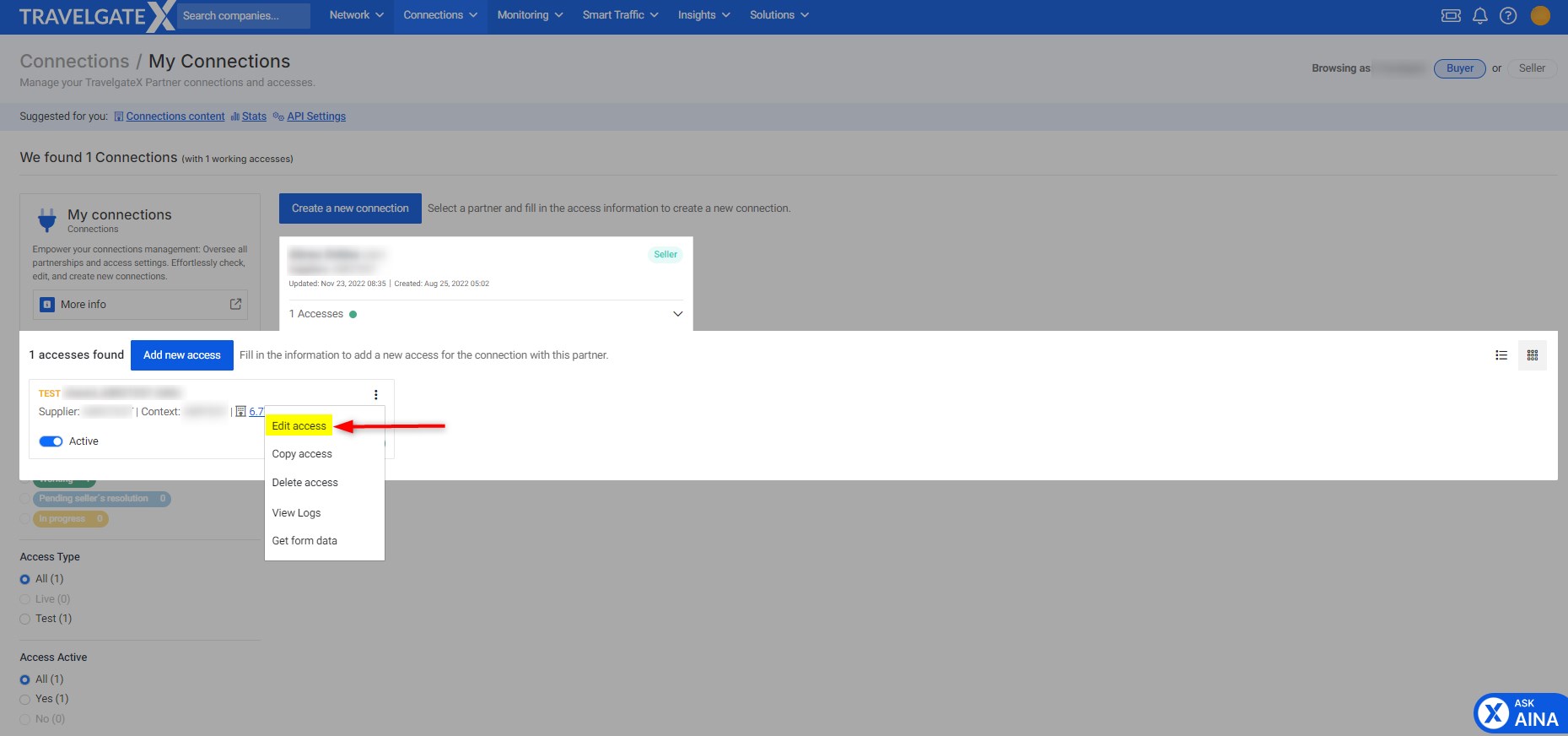
- Navigate to the "My Connections" screen and filter the access you wish to edit.
- Click the three dots (action menu) on the right side of the access entry.
- From the drop-down menu, select Edit Access.
- You'll see your current credentials for that access. Modify the details as needed (only editable fields are available for modification).
To edit the configuration credentials of an Inventory (Push) HotelX Access Code, please submit a case through our Support Portal. This ensures the necessary internal updates are properly handled.
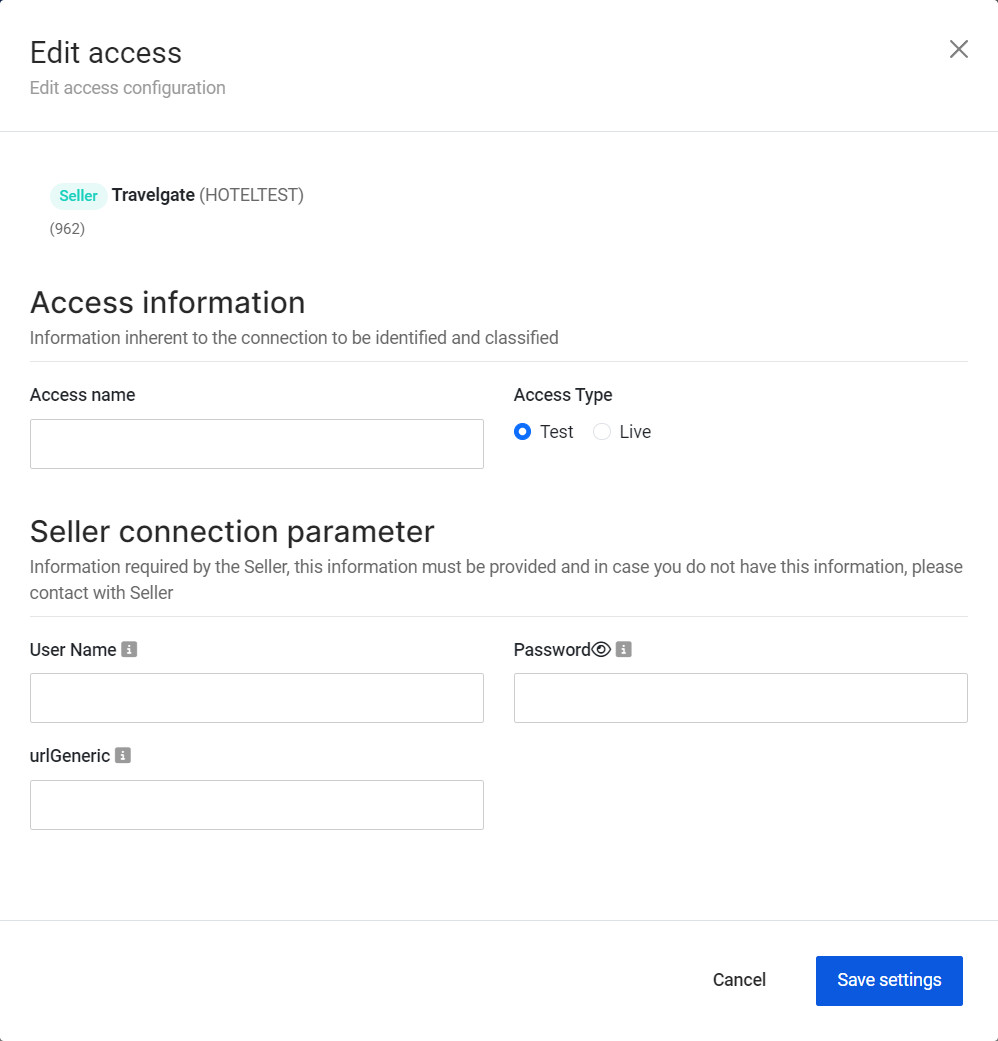
If a credential field shows the Rotation recommended icon, the credential has reached the recommended rotation window. See Credential Security Best Practices before updating it.
Any change to the credentials used by a Buyer connected through the Legacy Pull Buyers API must always be carried out in a coordinated manner in two places, so that the credentials remain functional:
- My Connections – Edit the credentials at the access level.
- Buyer's System – Notify the Buyer so they update the configuration stored on their end.
Updating the credentials only in My Connections is not sufficient.
As a Seller, you can check whether a Buyer uses the Legacy Pull Buyers API by looking at the HotelX / Legacy badge on the Buyer card of the access in My Connections. See Additional Access Information.